
Chef’s Helper Android app. Kitchen management, costing & HACCP logs
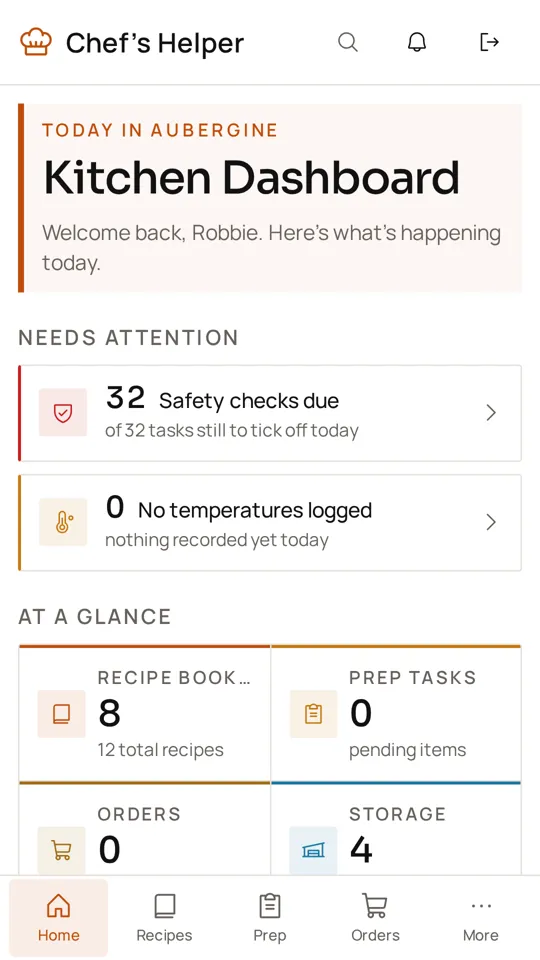
The Chef’s Helper kitchen management app for Android puts safety checks, stock counts, prep lists and recipes in your pocket. It uses the same account as the web app, so the whole brigade works from one set of records.
Screenshots from the Google Play listing
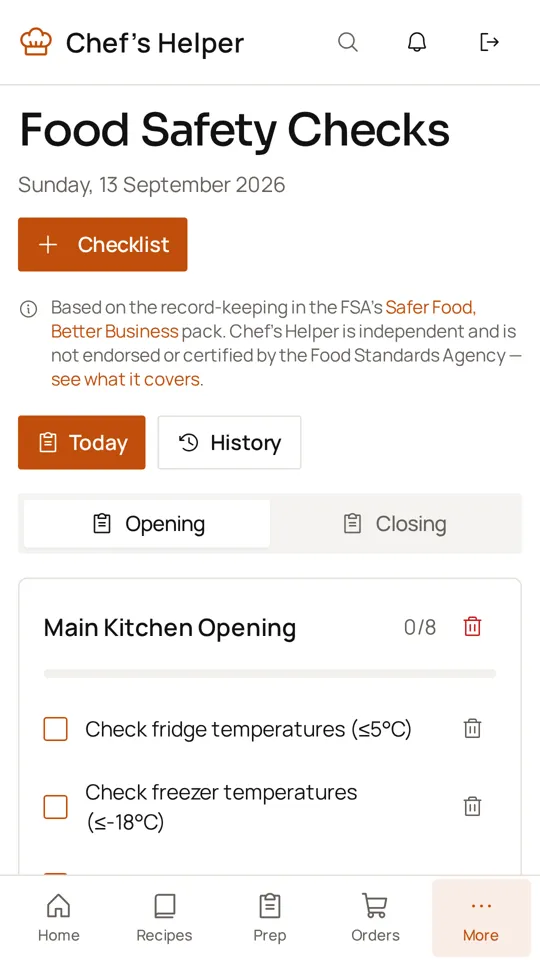
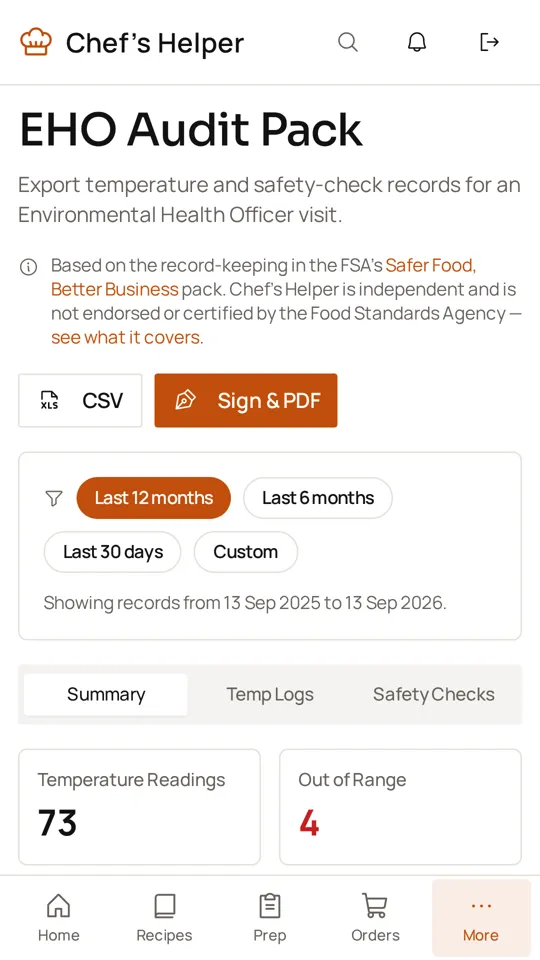
Costing software for restaurants, in your pocket
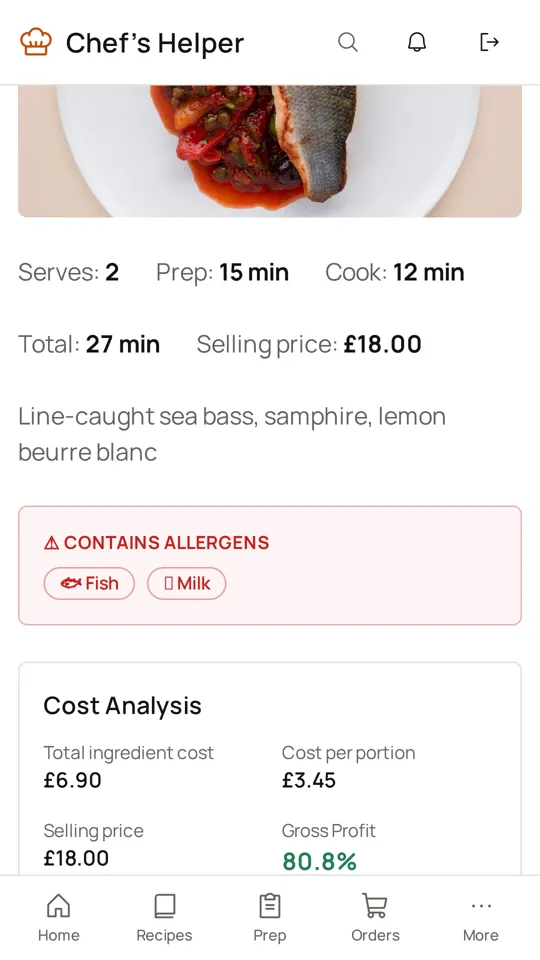
Cost every recipe from your ingredient prices, see plate cost and GP% per dish, and scale batches for service. Menu prices and margins update as supplier prices change, so you can check a dish’s profit from the pass.
Digital HACCP logs on the line
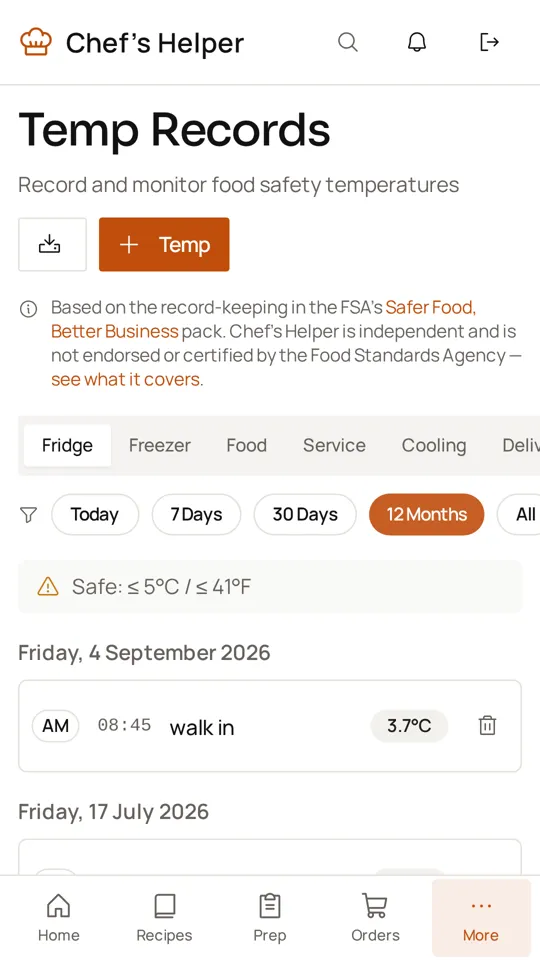
Replace paper temperature sheets with digital HACCP logs: record fridge, freezer, cooking, cooling and delivery temperatures, add corrective actions when a reading is out of range, and export the records for an EHO visit. Opening and closing safety checks follow the FSA’s Safer Food, Better Business record-keeping.
Why use the mobile app in the kitchen?
Food safety checks on the move
Record fridge, freezer, cooking and delivery temperatures at the unit, with corrective actions when a reading is out of range. No paper log sheets.
Quick stock updates
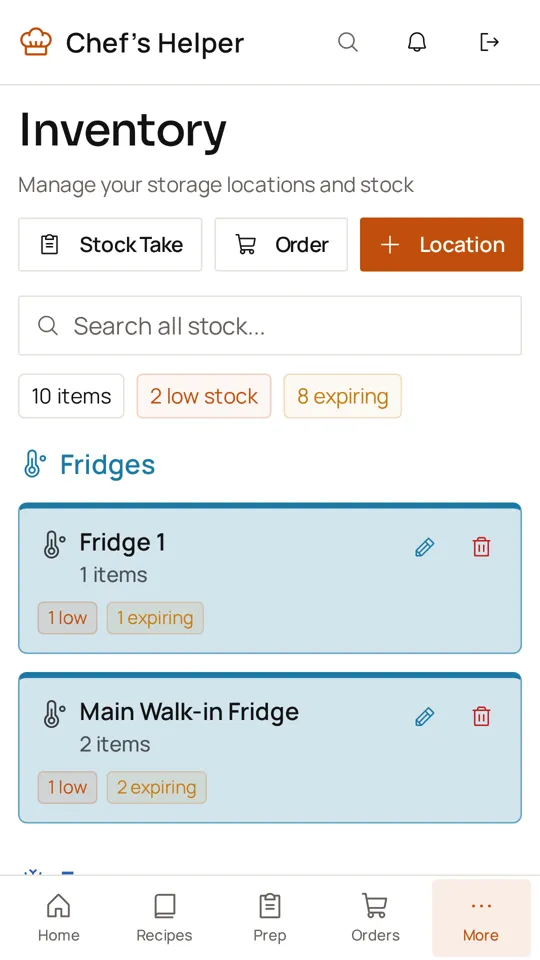
Count stock in the walk-in or dry store, check par levels and add low items straight to the order list.
Recipes at the pass
Open recipe cards with method, allergens and scaling on a phone or kitchen tablet, so the brigade cooks to spec.
Prep lists and rota
Tick off prep tasks as they are done, see who is assigned, read shift notes and check the staff rota.
Works with patchy signal
Recently opened recipes and lists stay viewable offline, and recipe, prep, inventory and order changes sync once you reconnect.
Chef and manager workflows together
Cooks log checks and prep on Android while head chefs handle costing, menus and reports on the web. One shared kitchen.
Everything in the web app, on Android
- Recipe costing and GP%
- Menu engineering
- Inventory management
- Food safety checks
- Allergen management
- Staff rotas
- Waste tracking
Frequently asked questions
Is the Chef’s Helper Android app free?
The app is free to download. It uses your Chef’s Helper account, so you get the Free plan or whichever paid plan your kitchen is on, including the 14-day Solo trial for new accounts.
Does it work offline?
Mostly. Pages and data you have already opened stay viewable, and recipe, prep list, inventory and order changes are saved and uploaded when your connection returns. Temperature and waste logs need a connection at the moment you save them.
Can I use the web and mobile versions together?
Yes. Sign in with the same account on Android, desktop and iPhone. Many kitchens cost recipes on a laptop and log checks on the app.
Is my data synced between devices?
Yes. Everything is stored in your Chef’s Helper account, so recipes, stock, prep lists and safety records appear on every device you and your team sign in on.